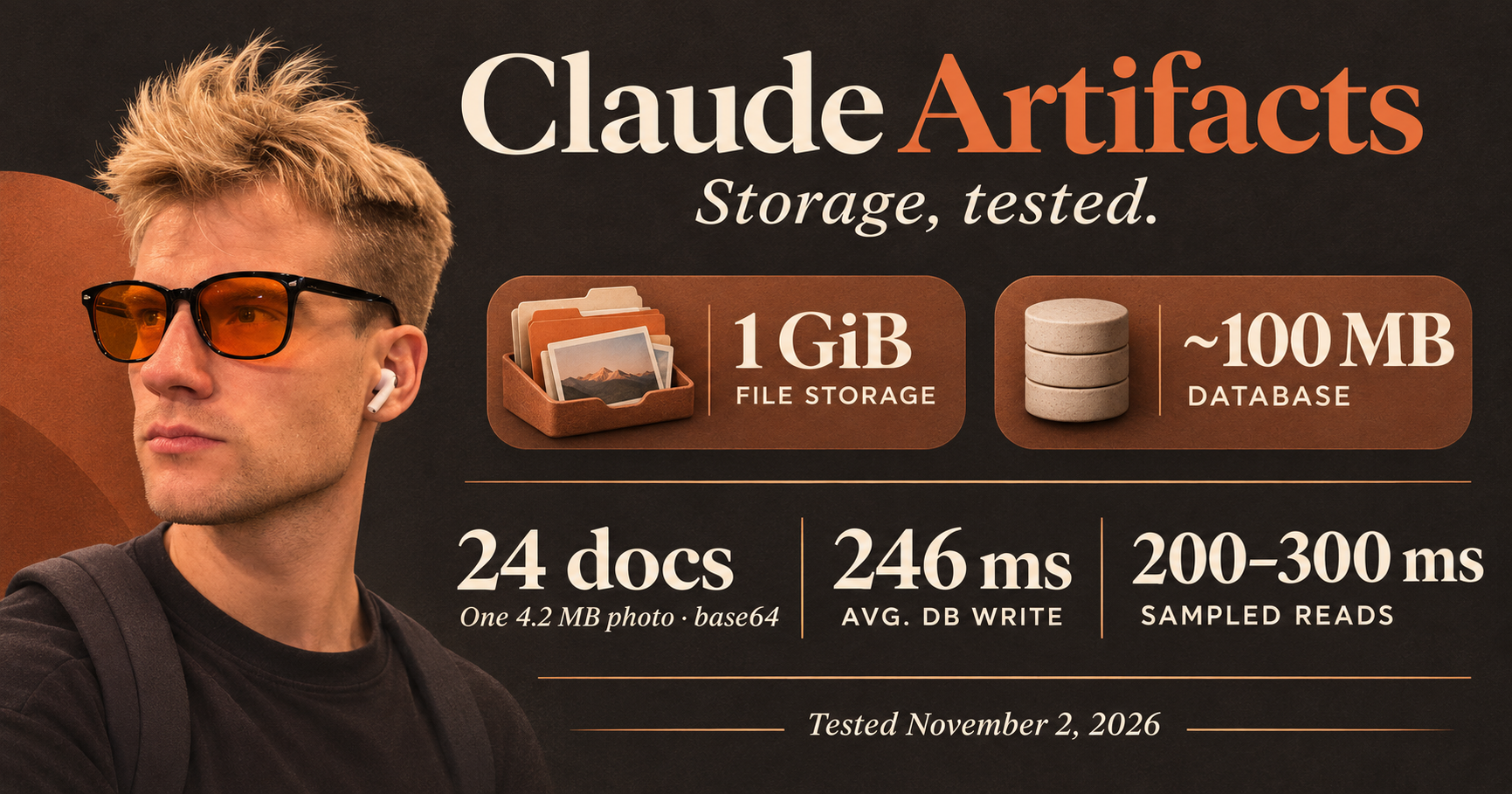
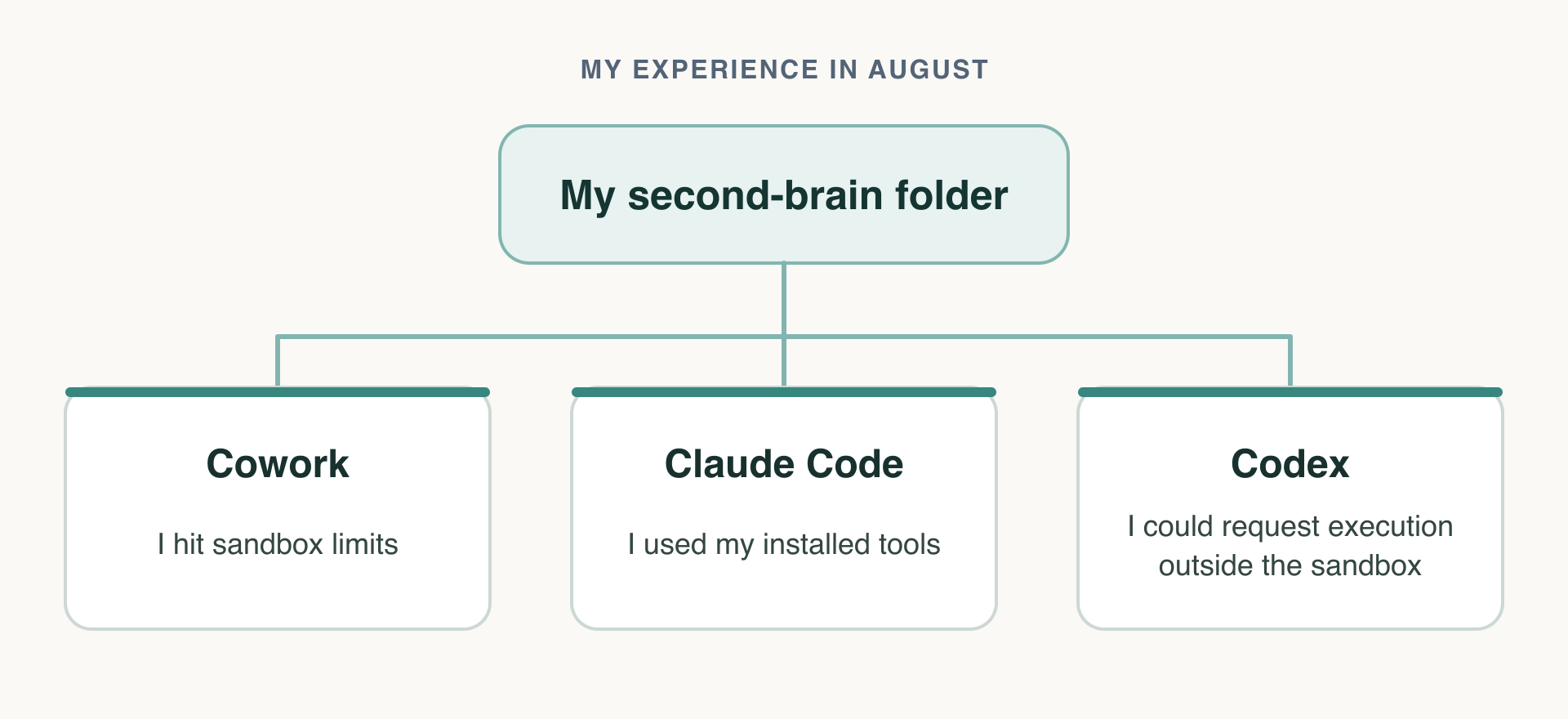
I tried using Cowork, Claude Code and Codex with the same 2nd-brain folder. The difference I kept running into was what each one let me do with the tools already on my Mac.
Intro
What do I want? Well, "I will tell you when I find out" applied a lot in this case. However, I started with a 2nd brain.
I wanted a place where I have all the status across all projects at work, and easy reporting for several things that, before using Claude Artifacts, I was generating as HTML and then PDFs and would send over by email or via Teams. So, weekly reporting in PDF form.
The Story
Approaching this 2nd brain idea felt really nice. Finally, one place of truth. A single folder where I can store everything but the actual code.
And so I started, a folder with a big dump of my files and an even bigger prompt that I spoke out loud using Wispr Flow. I told it who I am, what I work on, what projects I work on, how I structure things in Jira and Notion, etc. It was really impressive.
Then I created a Claude Artifact that started showing what I am working on and what my next steps are. Now I feel like I have the overview.
Jira is fine, but somehow I am bad at keeping the exact state and next steps in a way that my brain feels productive with... The custom dashboard, the pulse, is just perfect at that.
The Problems Array
I don't remember entirely why, but I soon moved to using the Claude Code tab instead of Cowork pointed at the same directory. The reasons include better ability to execute code and leverage my installed brew packages than what the Cowork sandbox permits, and to dispatch coding agents when I work inside the repo. The sandbox is just all too limited for that.
It might be that I am a "fat" developer who likes to leverage all the tools that I have rather than squeeze myself into the constraints of what that sandbox would let me do. And it does stem from me using Codex quite a lot with the same folder pointed there.
Something that stood out quite fast is that Codex runs, by default, in the same sandbox.
Except when GPT running inside the Codex instance realizes that the sandbox is playing the handcuffs, it would propose to execute the command outside it - the auto approval mode would then approve and the job would get done.
While I haven't supervised 100% of what gets run, I noticed that I am very satisfied with the way it works 99% of the time.
This is where Claude Cowork gets a minus point. It is all too limited and confusing. Why have Chat, why have Cowork (Chat + Folder = a baby called Cowork)?
I must hold myself back, though, because the new ChatGPT Desktop app after getting merged with Codex is a confusion ball in itself.
I began using the Claude Code tab in their desktop app much more since the sidebar is really helpful for multitasking (I like terminals but not having 5+ terminal tabs).
About the author
I've discovered coding back in 2013 and three years later I spent all my summer building my first Laravel app which is still in production by the non-profit I've built for.
Now I'm struggling to find the balance between enjoying the power of "I can build this myself" and not chocking myself to death trying to build everything myself.
As it is common for developers to be less articulate, I decided to leverage writing about my endeavours, to keep me up.
Comments
Join the discussionThe interesting trade-off here is how much of the local environment an agent actually needs. Take a monorepo where a task requires running a specific Homebrew-installed tool, generating code, and spinning up dependent services for integration tests. A sandbox that blocks those workflows pushes you toward workarounds, but letting the agent escape its boundaries too easily creates a different problem. I’d rather expose the exact binaries, writable paths, and network endpoints the task needs than make broader permissions the default.
Yes, indeed... and I am torn between these options.
I both realize very well the potential of the Lethal Trifecta that is possible and on the other hand, if i really want effective VA (virtual assistant), I am forced to make trade offs.
So far I haven't gotten burned but I will also not let my agent read my emails before me nor do it on automated basis, so there is no easy prompt injection, furthermore, I do count on the auto mode and my operating guide to not allow any actions that actually submit data outside (sending emails, uploading files etc).
But it is not ideal. I see Claude Code in Desktop introduced a new environments option so I will be checking that one up. But for short, my biggest deal breaker in Cowork was no way to let the agent access my 1password cli op.
The op limitation is an interesting one because exposing the CLI isn't quite the same as granting safe access to secrets.
Imagine an agent working on a deployment that needs a database credential from 1Password. If it can run arbitrary op commands with a broadly privileged service account, a prompt injection hidden in a dependency README could try to turn that convenience into access to unrelated vault items. Even if the agent never sends an email, it could still leak a secret through a build log or an outbound request.
I'd be tempted to put a small host-side broker between the agent and op: allow specific secret references, inject values only into the process that needs them, and keep the vault token out of the agent's environment. Add an outbound network allowlist, and you've reduced the blast radius without taking away the workflow.
The tricky part is preserving that boundary when the agent can execute arbitrary shell commands. Have you considered exposing a narrow secret-access interface rather than the full CLI?
You're right, it's two different things.
The good thing about it is that I can approve via the pop up the access to a credential, unless it's one of the few limited for agents. What's the worst that could happen - well the exhaustion of approval prompts and getting to the muscle memory of approving.
I have thought about different options. There are some very sophisticated write ups about the entire sandboxing and injecting secrets at the request level so the agent doesn't even know about it.
My problem is how far I'm willing to trade the comfort away and how far I'm willing to trust it. Between being very secure with no comfort, and being very insecure with --dangerously-skip-permissions mode.
Another problem is to maintain such a proxy/broker requires mental capacity on its own. That is already limited. So I stick with the compromise for now. Worth noting, this is why I don't let my agents read my email or install latest versions of the packages since that would complete the lethal trifecta thus taking me to the riskier area than I have the appetite for.
I feel like the entire area is still very novel and I could probably write an entire piece on it. What have you done?